Why Your Website Is Not Showing Up on Google (And How to Fix It)
Not showing up on Google? Here are the most common reasons and quick fixes you can apply today. From indexing issues to on-page SEO gaps.
You built a website. You launched it. You waited. And when you search for your business on Google... nothing. Or maybe you're on page 5, which is basically the same thing.
This is the most common question I get from new clients. The good news: it's almost always fixable. The bad news: there are about a dozen reasons it could be happening, and you need to figure out which ones apply to you.
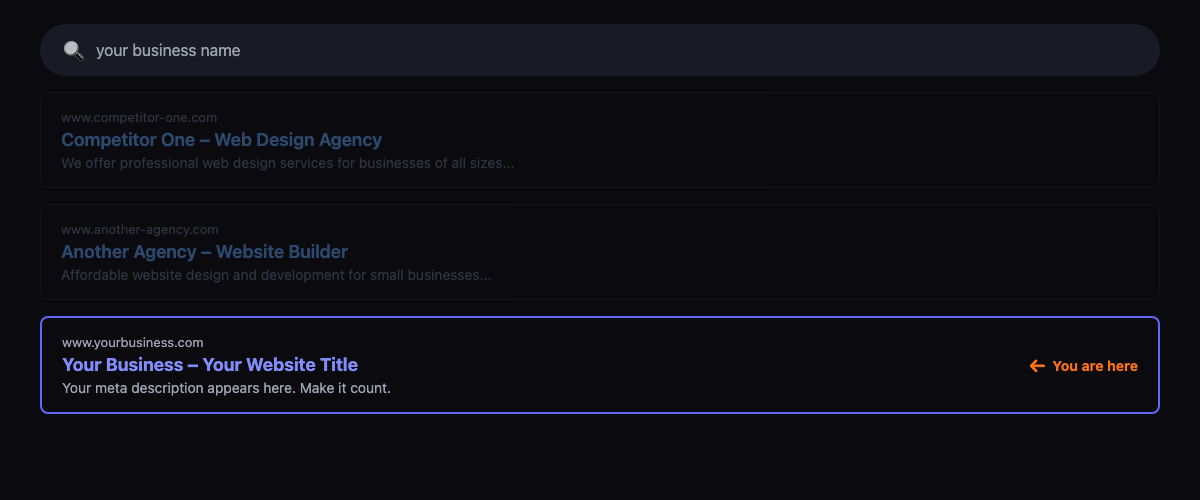
First, check if Google even knows your site exists
Quick test: type site:yourdomain.com into Google. If results appear, your site is indexed. If nothing shows up, Google hasn't crawled it yet.
Open Google and type site:yourdomain.com. If you see your pages listed, Google has indexed your site. If you see nothing, Google hasn't crawled your site yet, or something is blocking it from doing so.
Common reasons Google hasn't indexed your site:
- Your site is brand new (under 2 weeks old). Google takes time to discover new sites. Be patient, but don't just wait.
- You don't have a sitemap. A sitemap.xml file tells Google what pages exist. Without one, Google has to find everything by following links, which is slower.
- Your robots.txt is blocking crawlers. Check yourdomain.com/robots.txt. If it says
Disallow: /, you're telling Google to stay away from your entire site. - You have a
noindexmeta tag on your pages. Some CMS platforms add this by default during development and people forget to remove it.
Submit your site to Google Search Console
If you haven't done this yet, do it now. Google Search Console is free and it's the single most useful tool for understanding how Google sees your site.
Here's what to do:
- Go to search.google.com/search-console and sign in with your Google account
- Add your domain (or URL prefix)
- Verify ownership (DNS record is the easiest method)
- Submit your sitemap URL (usually yourdomain.com/sitemap.xml)
- Use the URL Inspection tool to request indexing for your most important pages
After submitting, it usually takes 2–7 days for Google to crawl and index your pages. Sometimes longer for brand new domains.
Your site might be indexed but ranking poorly
If site:yourdomain.com shows results but you're not appearing for your target searches, the problem is ranking, not indexing. Different issue, different fixes.
Missing or weak page titles and descriptions
Every page needs a unique title tag and meta description. The title tag is the biggest single ranking factor you directly control. "Home" or "Welcome to Our Site" tells Google nothing about what you do.
Your title should include your target keyword and your business name. For a bakery in Austin, that's "Custom Wedding Cakes in Austin | Jane's Bakery" not "Home | Jane's Bakery."
No content worth ranking
Google ranks pages that answer questions. If your homepage is a pretty hero image, a tagline, and a contact form, there's nothing for Google to evaluate.
You need text on the page. Describe what you do, who you serve, where you're located. 300–500 words minimum on key pages. I know it feels like a lot, but Google can't rank a page that doesn't say anything.
Your site is slow
Google has confirmed that page speed is a ranking factor. Run your site through PageSpeed Insights (pagespeed.web.dev) and check your Core Web Vitals scores.
The most common speed killers: unoptimized images (upload a 4MB photo from your phone and watch your load time triple), too many plugins or scripts, and cheap shared hosting that serves pages slowly.
No backlinks
Backlinks are links from other websites pointing to yours. They're still one of the strongest ranking signals. A brand new site with zero backlinks is competing against established sites with hundreds.
Start small: list your business on Google Business Profile, Yelp, and industry-specific directories. Write a guest post for a local blog. Get mentioned in a news article. Each link tells Google that someone else thinks your site is worth referencing.
Quick wins you can apply today
The four quick wins below will remove the most common blockers. If you still see no results after 30 days, the problem is likely deeper and needs professional help.
If you want to start improving your rankings right now, do these four things:
- Set up Google Search Console and submit your sitemap
- Write unique title tags for every page (include your main keyword)
- Add 300+ words of real content to your homepage
- Compress your images (use tinypng.com or convert to WebP format)
These won't get you to page 1 overnight, but they remove the most common blockers. If you've done all four and you're still not seeing results after 30 days, the problem is likely deeper: weak domain authority, stiff competition, or technical issues that need professional help.
Want to know exactly what's holding your site back? Book a free 15-minute site review with YM Tech — we'll audit your site and give you a clear action plan.